
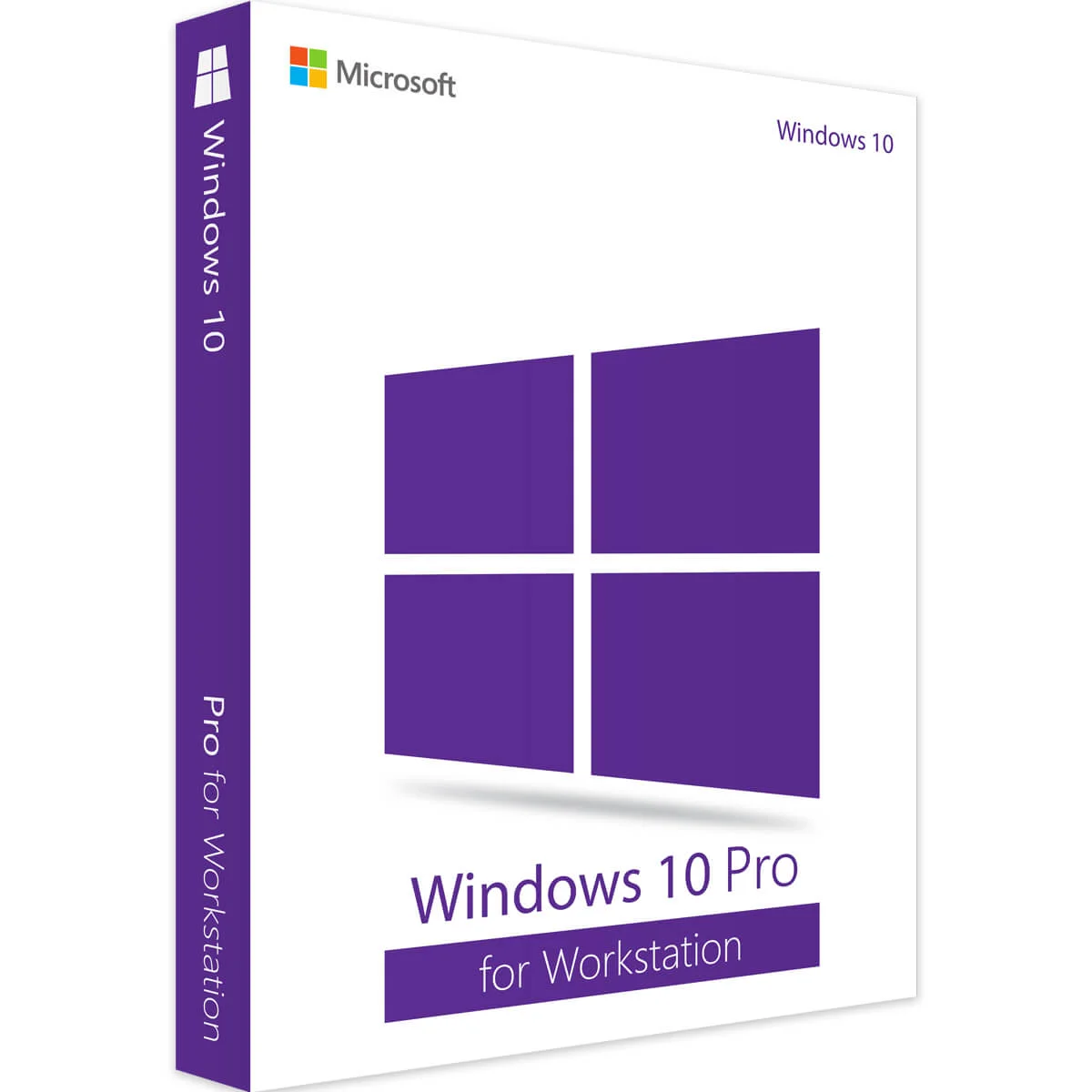
Windows 10 Pro for Workstations
WS1245578
Microsoft
WS1245578
Windows 11 Pro: The Ultimate Operating System for ProfessionalsMicrosoft’s Windows 11 Pro is the latest iteration of the world’s most popular operating system, designed to enhance productivity, security, and usability. Packed with powerful features and a s
Condition: New
Authentic product
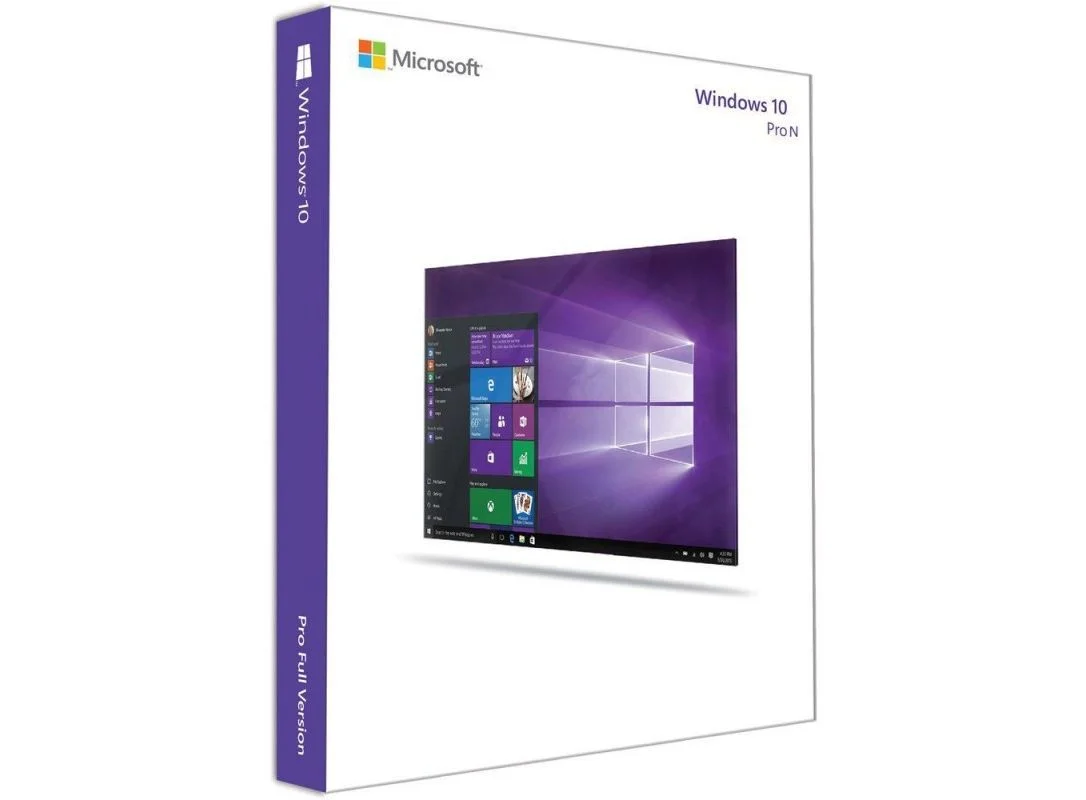
Windows 10 Pro N
Microsoft’s Windows 11 Pro is the latest iteration of the world’s most popular operating system, designed to enhance productivity, security, and usability. Packed with powerful features and a sleek, modern interface, Windows 11 Pro is a game-changer for businesses, IT professionals, and power users alike.
Windows 11 Pro introduces a redesigned user interface that enhances productivity and ease of use. The Start Menu has been repositioned to the center, offering a streamlined and accessible layout. The new Snap Layouts and Snap Groups allow users to organize and manage multiple applications effortlessly, making multitasking more efficient than ever. Additionally, the Virtual Desktops feature enables users to create separate workspaces for different tasks, ensuring a clutter-free workflow.
Security is a top priority in Windows 11 Pro. The system includes advanced security measures such as BitLocker encryption, Windows Hello biometric authentication, and Microsoft Defender Antivirus. The integration of TPM 2.0 (Trusted Platform Module) and Secure Boot ensures that devices are protected from unauthorized access and malware attacks. These security enhancements make Windows 11 Pro a robust choice for businesses handling sensitive data.
Designed for professionals, Windows 11 Pro offers enterprise-grade features to enhance efficiency and security. Remote Desktop access allows users to connect securely to their work PCs from anywhere, while Hyper-V virtualization enables users to create and manage virtual machines. The integration of Windows Sandbox allows for isolated application testing, ensuring a safe computing environment.
Additionally, Windows 11 Pro supports Group Policy and Active Directory, allowing IT administrators to manage user settings and security policies efficiently. Businesses can also leverage Windows Information Protection (WIP) to safeguard sensitive company data from accidental leaks.
Windows 11 Pro is built for speed and efficiency. With support for both 32-bit and 64-bit applications, it ensures backward compatibility with legacy software. The DirectStorage feature significantly reduces game and application load times, enhancing performance on modern hardware. Furthermore, battery efficiency improvements make Windows 11 Pro an excellent choice for laptop users, extending productivity on the go.
Although primarily designed for professionals, Windows 11 Pro also offers an exceptional gaming experience. With AutoHDR support, games appear more vibrant and realistic, while DirectX 12 Ultimate enhances graphics rendering for immersive gameplay. The built-in Xbox Game Bar and Game Mode optimize system resources for uninterrupted gaming sessions.
Windows 11 Pro is designed for seamless deployment across businesses and enterprises. Users can upgrade directly from Windows 10 Pro or Windows 10 Enterprise, ensuring a smooth transition. IT administrators can deploy Windows 11 Pro via USB, DVD, or network installation, making it easy to manage across multiple devices.
Microsoft provides consistent security updates and feature enhancements, ensuring that devices remain secure and up-to-date. The Windows Update for Business feature allows organizations to schedule and manage updates effectively, reducing downtime and increasing efficiency.
Basic Information | |
|---|---|
| Developer | Microsoft Corporation |
| Version | Windows 11 Pro |
| Architecture | 32-bit 64-bit |
| Release Date | October 5, 2021 |
| License Type | Retail OEM Volume Licensing |
| Activation | Digital License Product Key |
Minimum Requirements | |
| Processor - Minimum | 1 GHz or faster with at least 2 cores Compatible 64-bit processor or System on a Chip (SoC) |
| RAM - Minimum | 4 GB |
| Storage - Minimum | 64 GB or larger storage device |
| Firmware - Minimum | UEFI Secure Boot capable |
| TPM - Minimum | Trusted Platform Module (TPM) version 2.0 |
| Display - Minimum | 720p, 9-inch or larger screen |
| Internet Connection - Recommended | High-speed internet for updates and cloud services |
WS1245578
WS1245578
WS1245578
WS1245578
WS1245578
WS1245578
WS128898
WS1245578