
Windows 11 Home N – Product Overview
Introduction
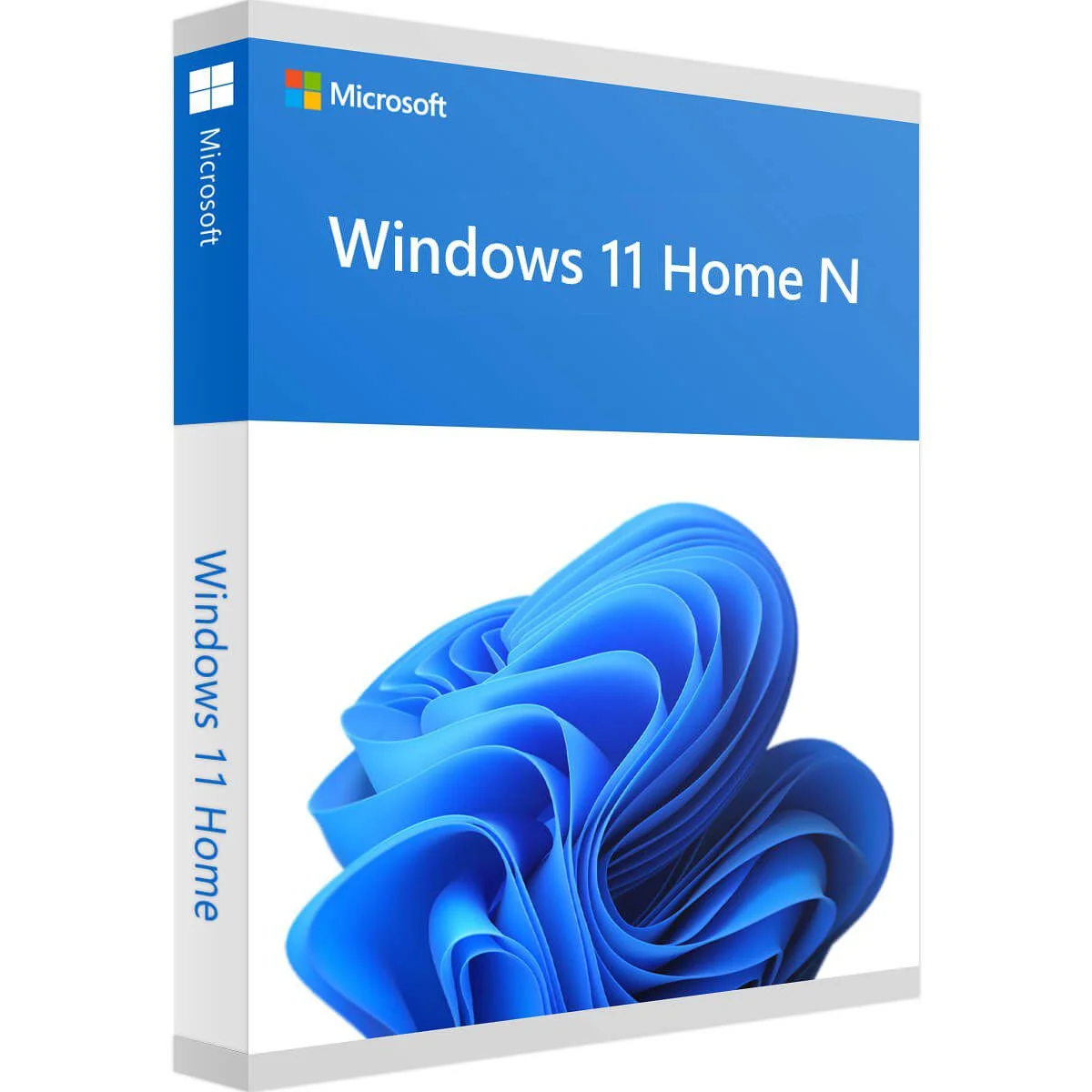
Windows 11 Home N is a specialized version of Windows 11 Home, designed for users who need a streamlined and efficient operating system without pre-installed media-related technologies such as Windows Media Player, Skype, and certain multimedia codecs. This edition complies with regulatory requirements in specific regions, allowing users to install only the media features they choose.
With the same intuitive design, performance improvements, and enhanced productivity tools as Windows 11 Home, the N edition ensures a lightweight, privacy-focused experience. It is ideal for personal users, students, and professionals who do not rely on built-in media functionalities but still want a modern, high-performance operating system.
Key Features
Modern and Intuitive User Interface
Windows 11 Home N introduces a sleek, modern interface with a redesigned Start Menu, centered Taskbar, and rounded window corners for a fresh, polished look. The Snap Layouts and Snap Groups features enable seamless multitasking, making it easier to manage multiple applications efficiently.
Performance and Efficiency
Optimized for speed and efficiency, Windows 11 Home N delivers improved boot times and enhanced memory management. It leverages DirectStorage for faster load times in supported applications and games, while Auto HDR enhances visuals for compatible hardware.
Gaming Enhancements
Gamers will benefit from Xbox Game Bar, DirectX 12 Ultimate, and cloud gaming support via Xbox Game Pass (subscription required), offering an immersive gaming experience. However, users who want to watch or stream media will need to install third-party media players or the optional Media Feature Pack.
Security and Privacy
While Windows 11 Home N lacks enterprise-grade security tools like BitLocker, it includes Windows Hello for secure logins using facial recognition or fingerprints, Windows Defender Antivirus, and Secure Boot to protect against malware and unauthorized access.
Cloud Integration and Microsoft Services
With built-in Microsoft OneDrive support, users can store and sync files across multiple devices seamlessly. Integration with Microsoft 365 (subscription required) allows access to Word, Excel, PowerPoint, and other productivity apps.