
Windows 10 Pro for Workstations
WS1245578
Microsoft
WS12434578
Windows 11 Pro: The Ultimate Operating System for ProfessionalsMicrosoft’s Windows 11 Pro is the latest iteration of the world’s most popular operating system, designed to enhance productivity, security, and usability. Packed with powerful features and a s
Condition: New
Authentic product
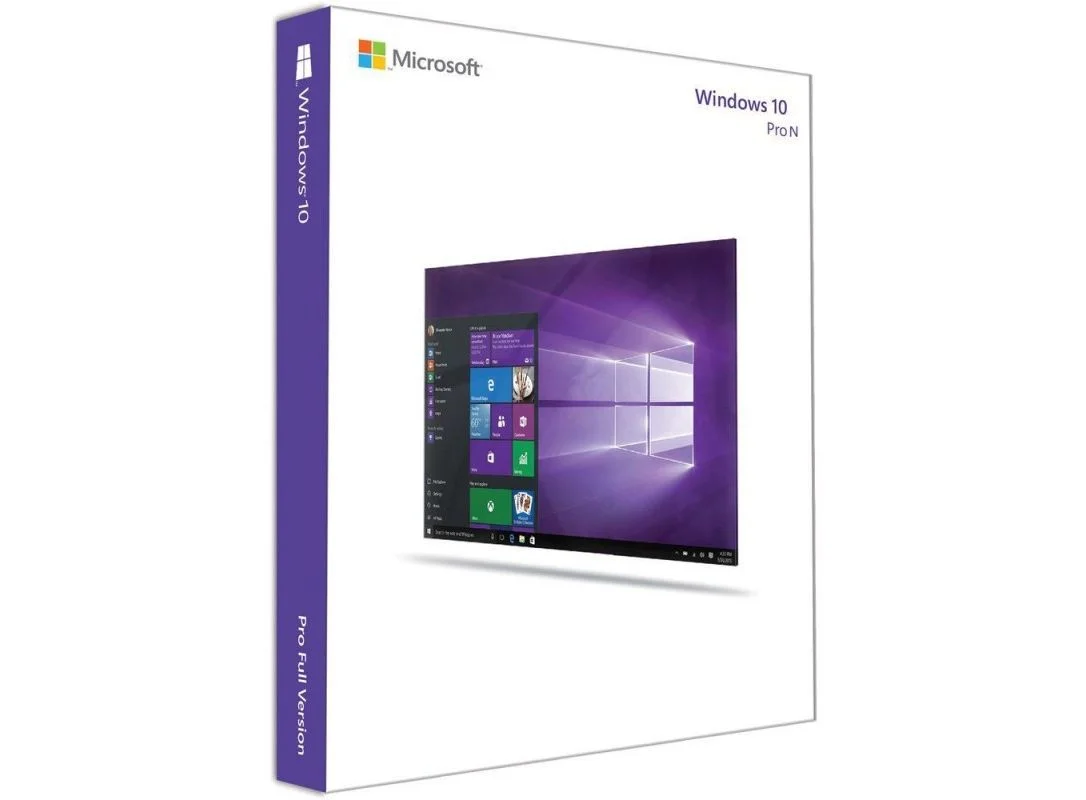
Windows 11 Pro N is a specialized version of Windows 11 Pro, designed for users who require the full suite of professional-grade features but without pre-installed media-related technologies such as Windows Media Player, Skype, and certain multimedia codecs. It is specifically tailored for regions where regulations require an operating system without built-in media playback functionalities, allowing users to install only the media features they need.
This edition is best suited for businesses, IT professionals, and power users who require advanced security, management, and productivity tools. With its sleek and modern interface, enhanced performance, and improved multitasking capabilities, Windows 11 Pro N delivers a refined computing experience while providing greater control over media and privacy.
Windows 11 Pro N includes enterprise-level security features designed to protect sensitive data and ensure compliance with business regulations. BitLocker Drive Encryption secures data at rest, while Windows Information Protection (WIP) helps safeguard business information from accidental leaks. The inclusion of Secure Boot and Trusted Platform Module (TPM) 2.0 ensures hardware-level security against unauthorized access.
This edition of Windows 11 provides comprehensive management features that help businesses streamline their IT operations. Group Policy Management allows administrators to enforce security settings across multiple devices, while Remote Desktop enables users to connect to their work PCs from anywhere. Azure Active Directory and Assigned Access further enhance security and control, allowing organizations to create tailored user experiences and manage access to business applications effectively.
Windows 11 Pro N enhances productivity with features like Snap Layouts, Snap Groups, and Virtual Desktops, which enable seamless multitasking across multiple applications. The redesigned Taskbar and Start Menu provide a more intuitive workflow, while DirectStorage and Auto HDR enhance the experience for those using high-performance applications, including gaming and content creation tools.
As a distinguishing characteristic, Windows 11 Pro N does not include pre-installed media technologies like Windows Media Player, Music and Video apps, or certain audio and video codecs. This allows businesses and users to choose their own media solutions, ensuring compliance with digital content regulations in specific regions. However, the Media Feature Pack can be installed separately if required, providing access to multimedia capabilities when needed.
| Edition | Windows 11 Pro N |
|---|---|
| Purpose | Designed for professionals, businesses, and power users who need enhanced security, management, and productivity features. |
| Media Features | Excludes pre-installed media-related technologies such as Windows Media Player, Skype, and certain multimedia codecs (can be added via the Media Feature Pack) |
Minimum System Requirements | |
| Processor | 1 GHz or faster with at least 2 cores on a compatible 64-bit processor or System on a Chip (SoC) |
| RAM | 4 GB minimum |
| Storage | 64 GB or larger storage device |
| Firmware | UEFI with Secure Boot capability |
| TPM | TPM version 2.0 required |
| Graphics Card | DirectX 12 compatible with WDDM 2.0 driver |
| Display | 9-inch or larger screen with at least 720p resolution |
| Internet Connection | Required for initial setup and feature updates |
WS1245578
WS1245578
WS1245578
WS1245578
WS1245578
WS1245578
WS1245578
WS128898