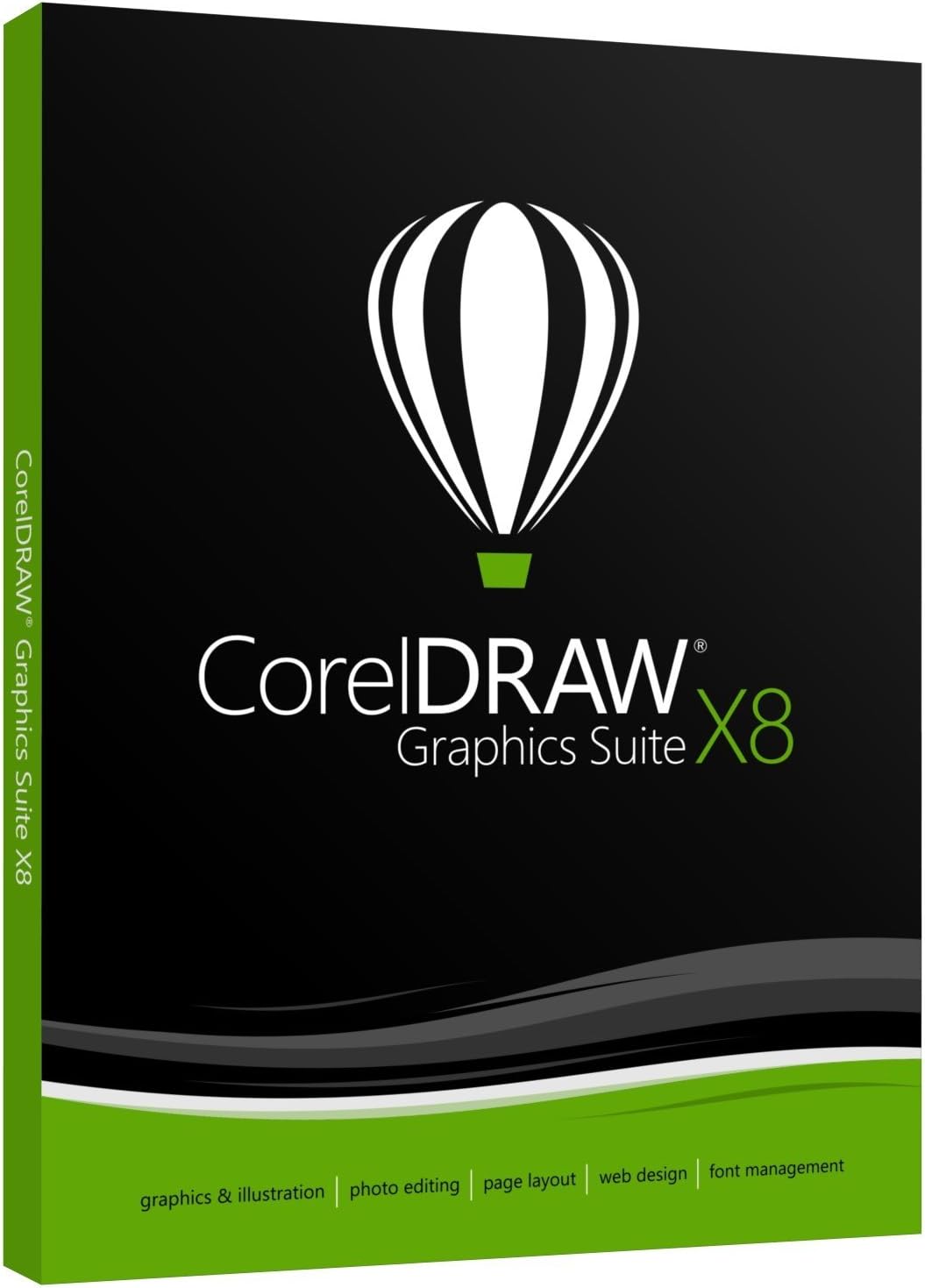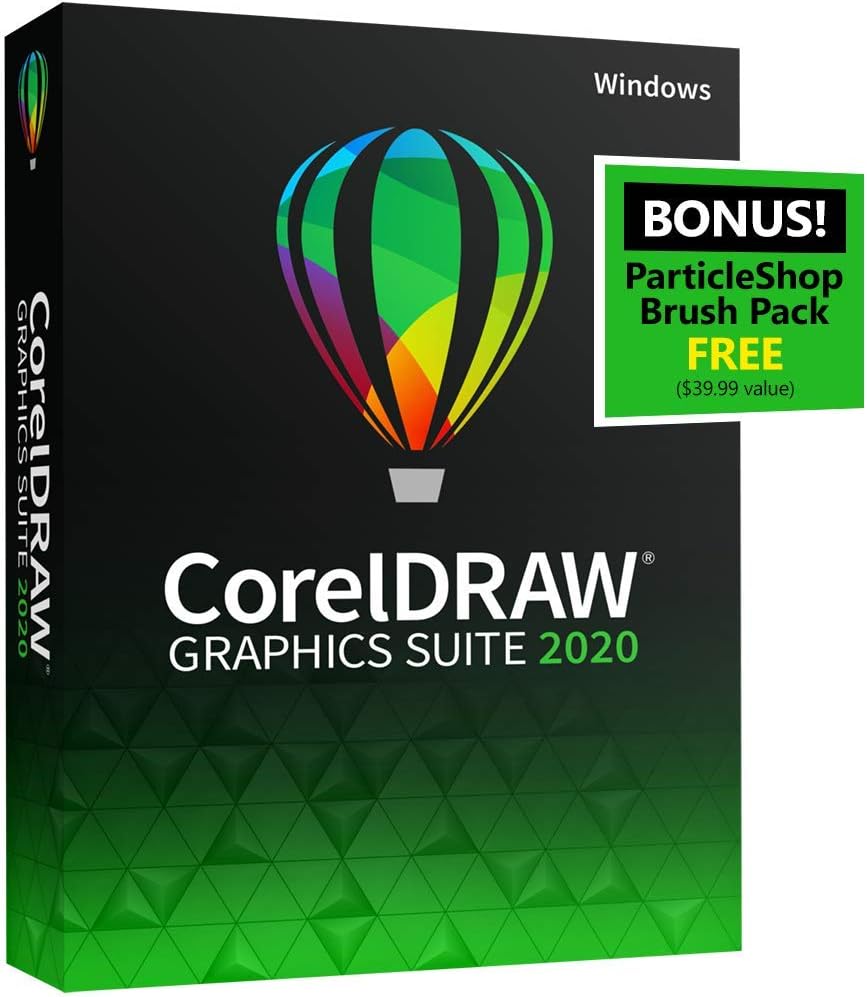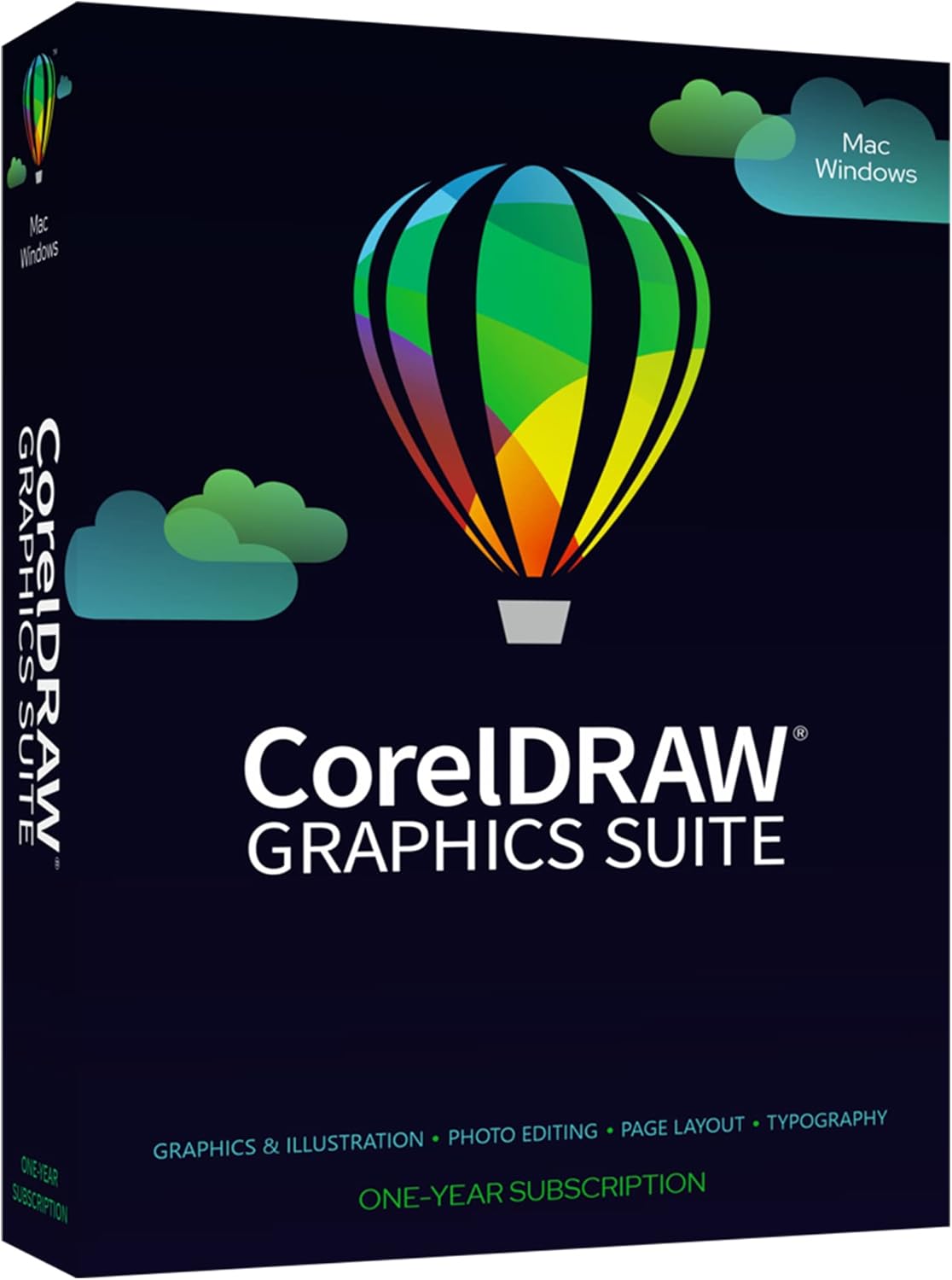


Exploring CorelDRAW Graphics Suite: A Comparison of the 2020 and 2018 Versions for Graphic Design, Photo Editing, and Vector Ill
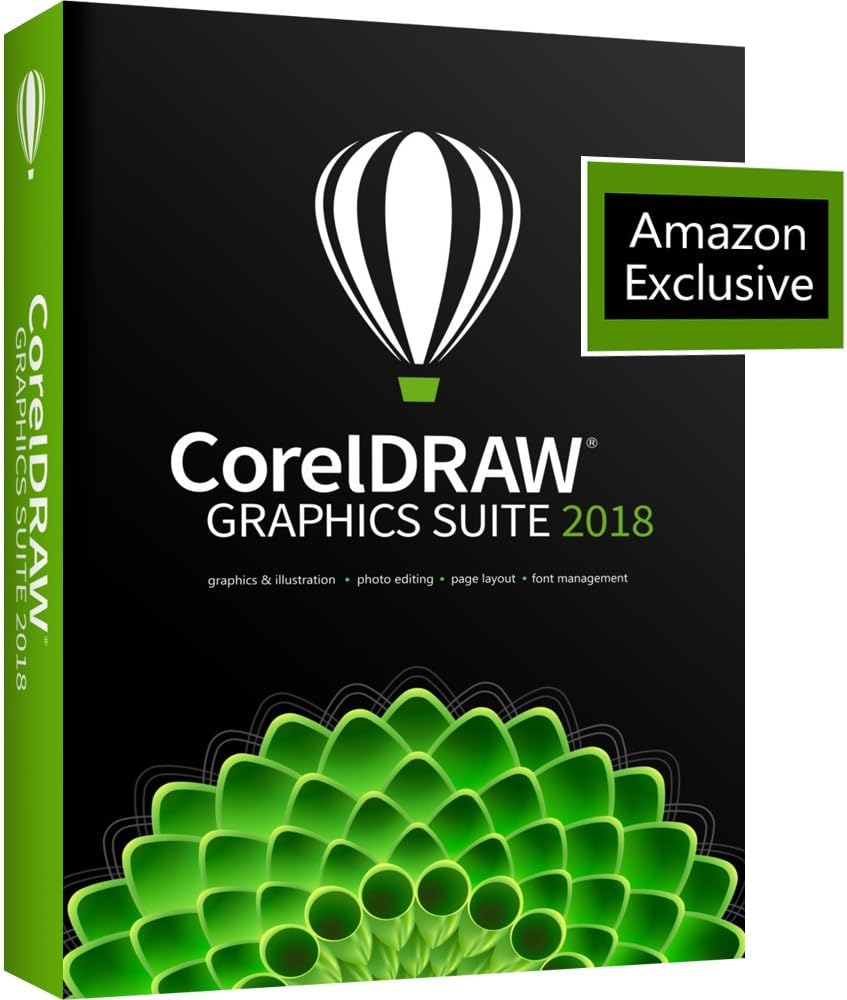
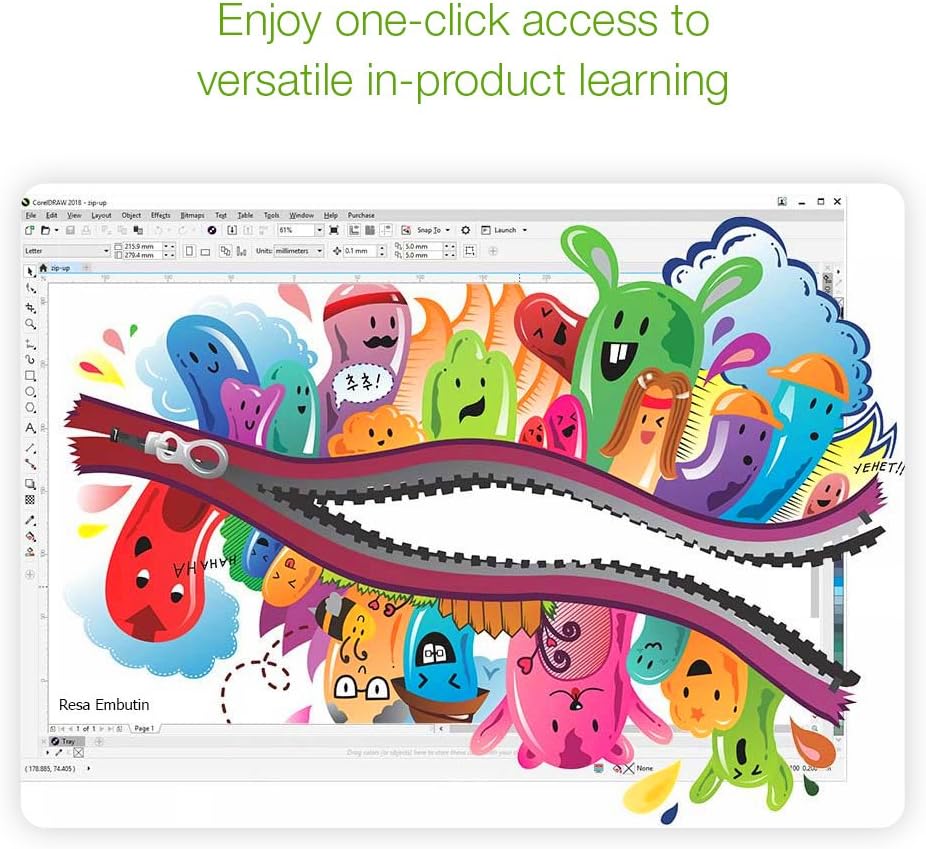
Welcome to the world of limitless design possibilities with the CorelDRAW Graphics Suite 2018. Whether you're a professional designer looking to enhance your creative toolkit or an enthusiast eager to bring your ideas to life, this suite is your gateway to powerful and intuitive software that inspires creativity.
Creativity Suite Overview:
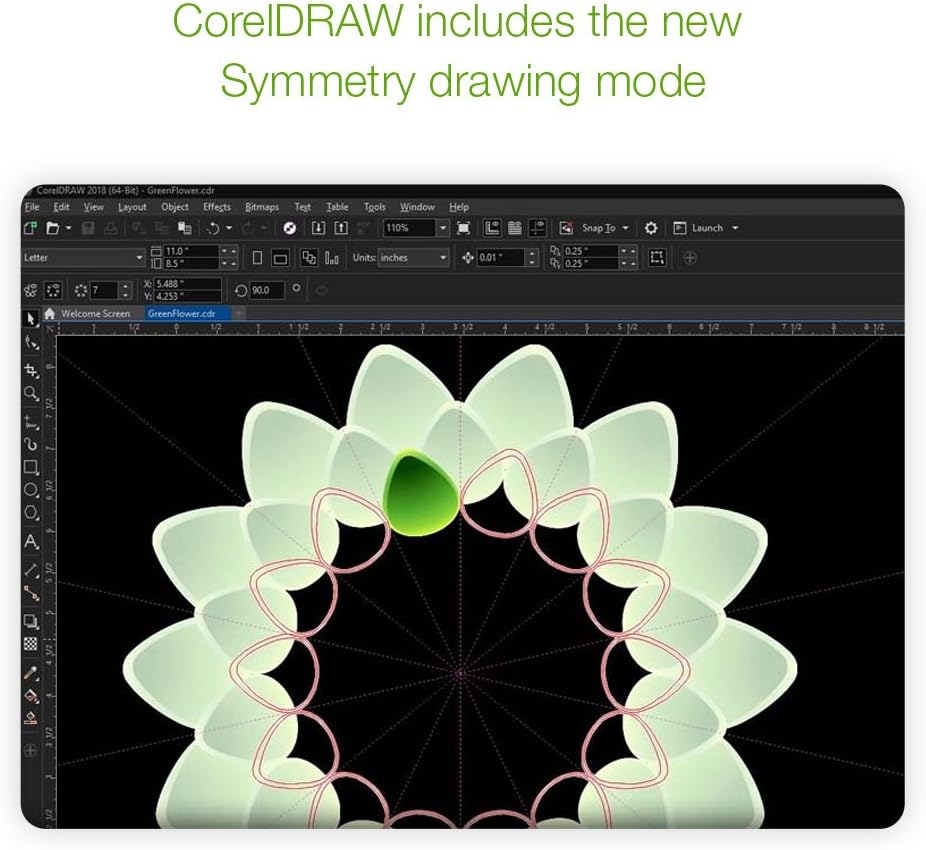
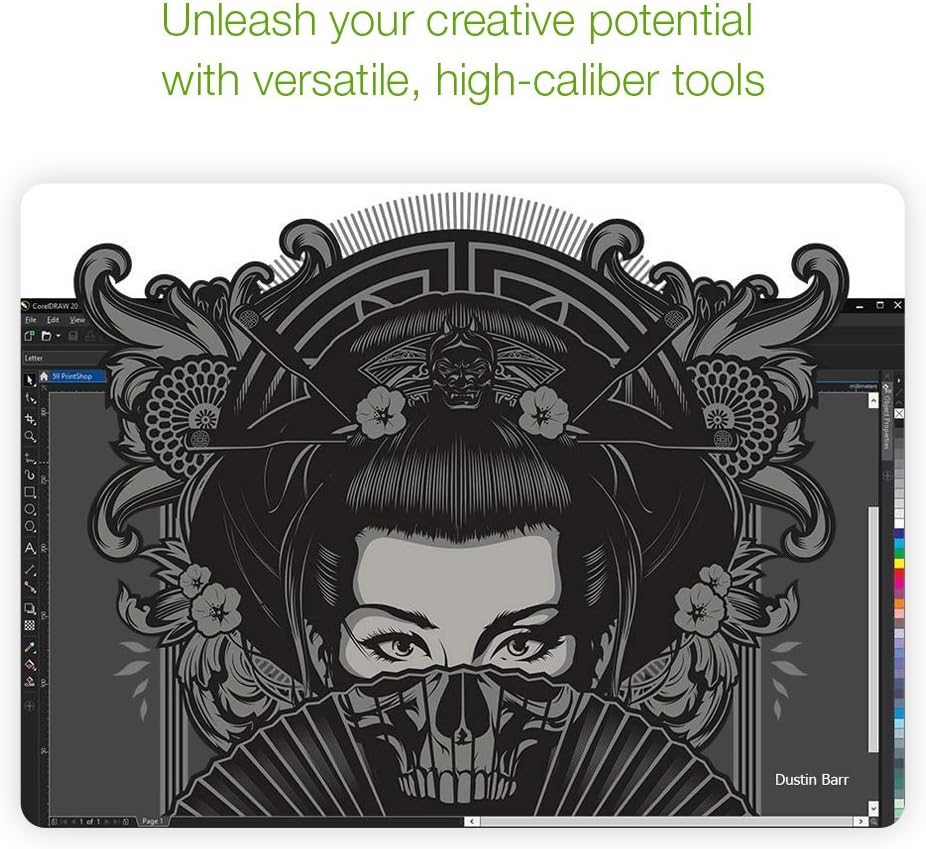
- CorelDRAW: Dive into a comprehensive set of tools designed to make vector illustration a breeze. Whether you're crafting logos, banners, or elaborate illustrations, CorelDRAW provides the precision and flexibility you need.
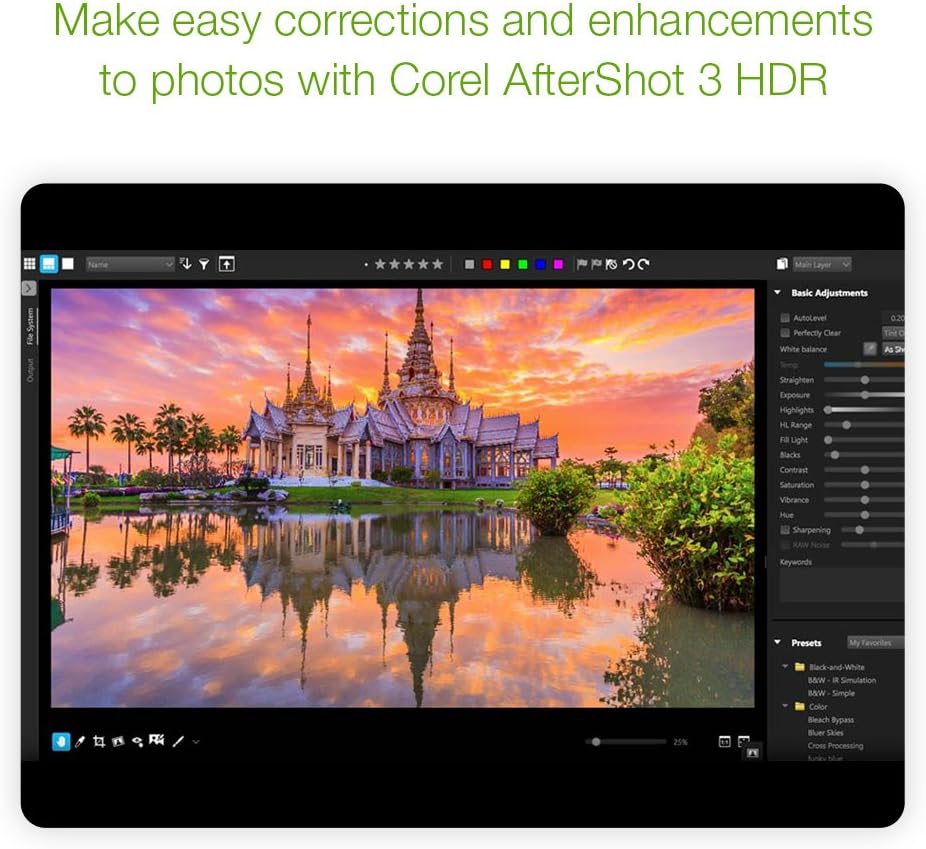
- Photo Editing: Enhance your digital images with powerful photo-editing capabilities that allow you to retouch, correct, and improve your favorite shots.
- Vector Illustration: Create detailed and scalable vector graphics perfect for layout, signage, or industrial design.
The CorelDRAW Graphics Suite 2018 is packed with features that cater to a wide range of creative needs. Despite its rich functionality, the interface is user-friendly, making it accessible for new users while still providing depth for seasoned professionals.
Product Specifications:
| Design Suite | CorelDRAW Graphics Suite 2018 |
| Dimensions | 1.5 x 5 x 7.5 inches |
| Weight | 2.72 ounces |
| Model Number | CDGS2018EFDP |
| Release Date | May 11, 2018 |
| Manufacturer | Corel |
| ASIN | B07D15R4S4 |
Please note: The CorelDRAW Graphics Suite 2018 is still actively supported and has not been discontinued. This ensures you receive ongoing improvements and updates to keep your software performing optimally.
Whether you're a designer aiming to push the boundaries of creativity or someone who appreciates the art of vector illustration and photo editing, the CorelDRAW Graphics Suite 2018 is here to support your artistic endeavors. Explore its comprehensive features today and unlock a world of creative potential.