
Exploring CorelDRAW Graphics Suite: A Comparative Look at the 2020 and 2018 Versions for Graphic Design and Photo Editing
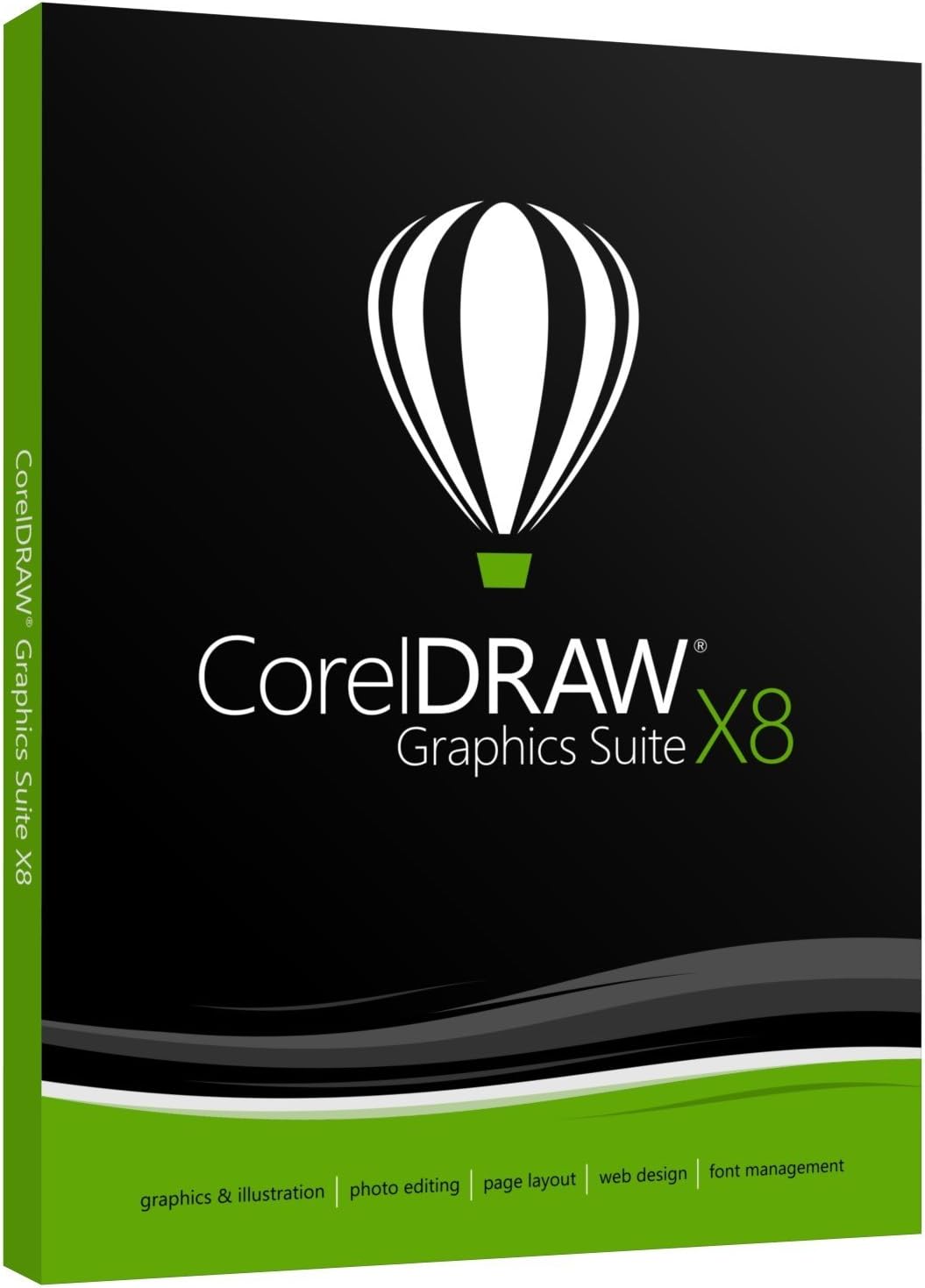
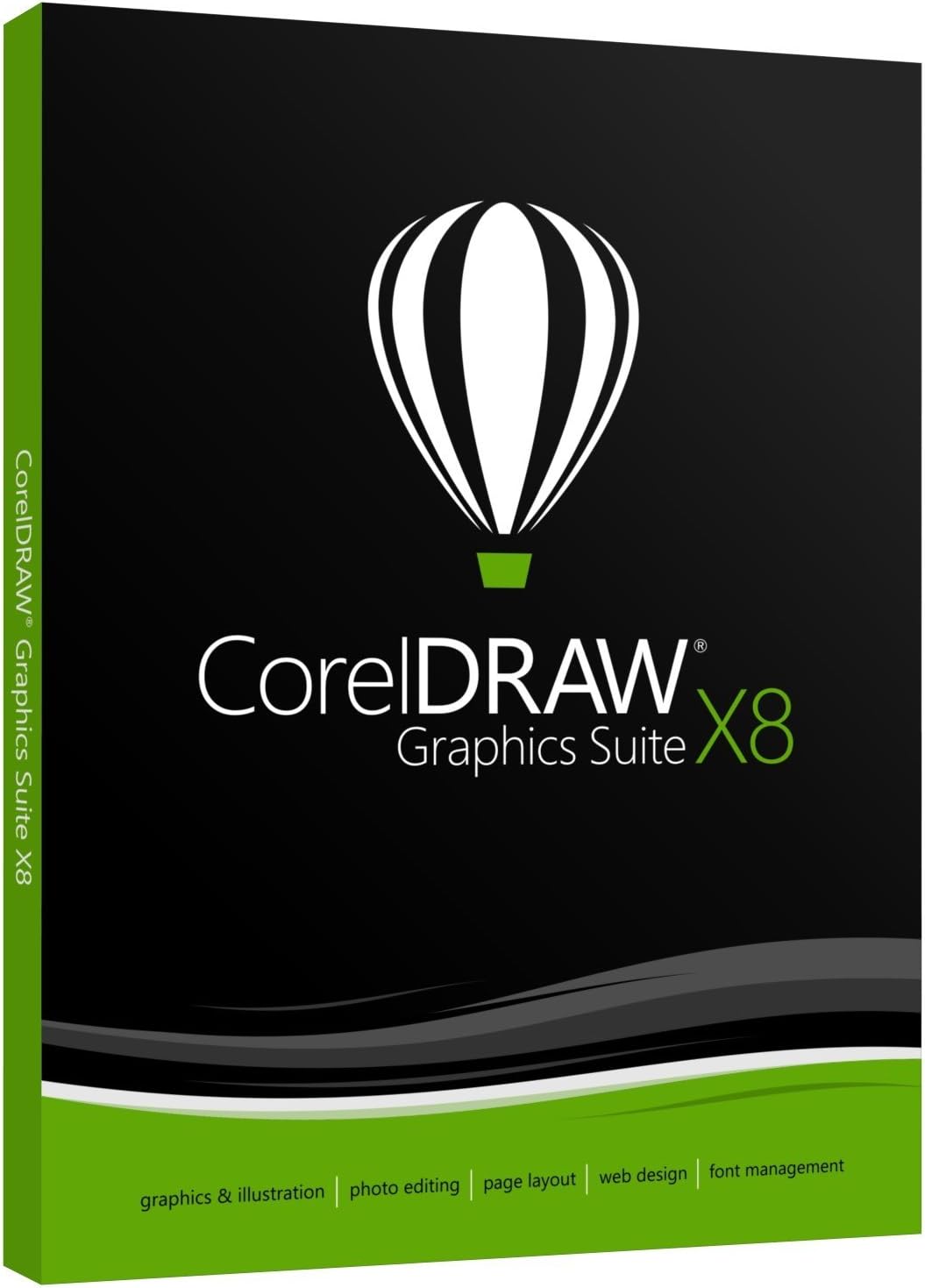
Welcome to the world of creativity with the CorelDRAW Graphics Suite X8. This versatile design software is perfect for anyone looking to dive into graphic design with a tool that's both powerful and user-friendly. Whether you're an experienced designer or just getting started, CorelDRAW Graphics Suite X8 provides everything you need to express your artistic vision.
Compatibility
- Multi-monitor support allows you to expand your workspace and boost productivity by using multiple screens simultaneously.
- 4K support ensures that your designs are sharp and detailed on high-resolution displays.
- Real-Time Stylus support offers enhanced precision and creativity, allowing for natural drawing on compatible styluses.
Font Management
- Corel Font Manager: Effortlessly manage and organize your font collection.
- Font filtering and search: Quickly find the perfect font with easy-to-use filtering and search tools.
Key Features
- The Show Objects feature allows you to manage project elements with ease.
- Copy Curve Segments precisely duplicates complex shapes and paths.
- The Gaussian Blur feature enables soft focus effects.
- Healing Clone tool removes imperfections, making image corrections seamless.
- Effortlessly straighten images with the Straighten Image dialog box.
- The Knife Tool provides high versatility in slicing and editing images.
- Customize your workflow with Workspace customization.
- Get started easily with Startup assistance.
- The Border and Grommet dialog box simplifies the preparation of banners.
- Explore the Get More docker for additional plugins and extensions.
- Create websites effortlessly with Easy, professional website design features.
Learning Resources
- Access a wealth of learning materials and tutorials to enhance your skills.
- Benefit from expert tips for mastering design techniques.
- Utilize royalty-free, quality content to enrich your creations.
System Requirements
CorelDRAW Graphics Suite X8 is compatible with:
- OS Compatibility: Works seamlessly on Microsoft Windows 10, Windows 8.1, and Windows 7.
- Processor: Requires Intel Core i3, Intel Core i5, Intel Core i7, or AMD Athlon 64.
- RAM: A minimum of 2 GB RAM is needed to run smoothly.
- Storage: Ensure 1 GB of hard disk space is available for installation.
- Display: Enjoy optimal graphics with a screen resolution of 1280 x 720 at 100% (96 dpi).
- Additional Software: Requires Microsoft .Net Framework 4.6 for full functionality.
Embrace the power of creativity and innovation with CorelDRAW Graphics Suite X8, a brilliant companion for all your design needs!